 mocadev
Lunch Picker
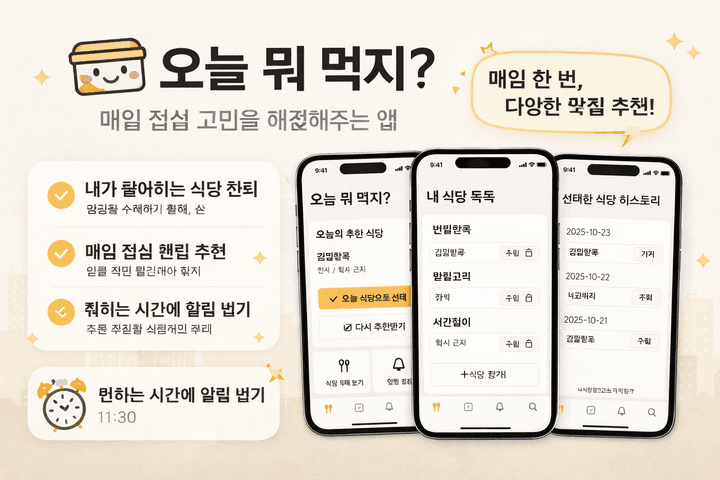
Lunch picks drawn only from restaurants you chose
Once a day, at a set time, one of your saved restaurants arrives like a warm notification. A small helper that takes care of the moment when the short question "What should I eat today?" pops up like a habit. The app never overpromises—it quietly works like a polite housekeeper for your favorite menus.
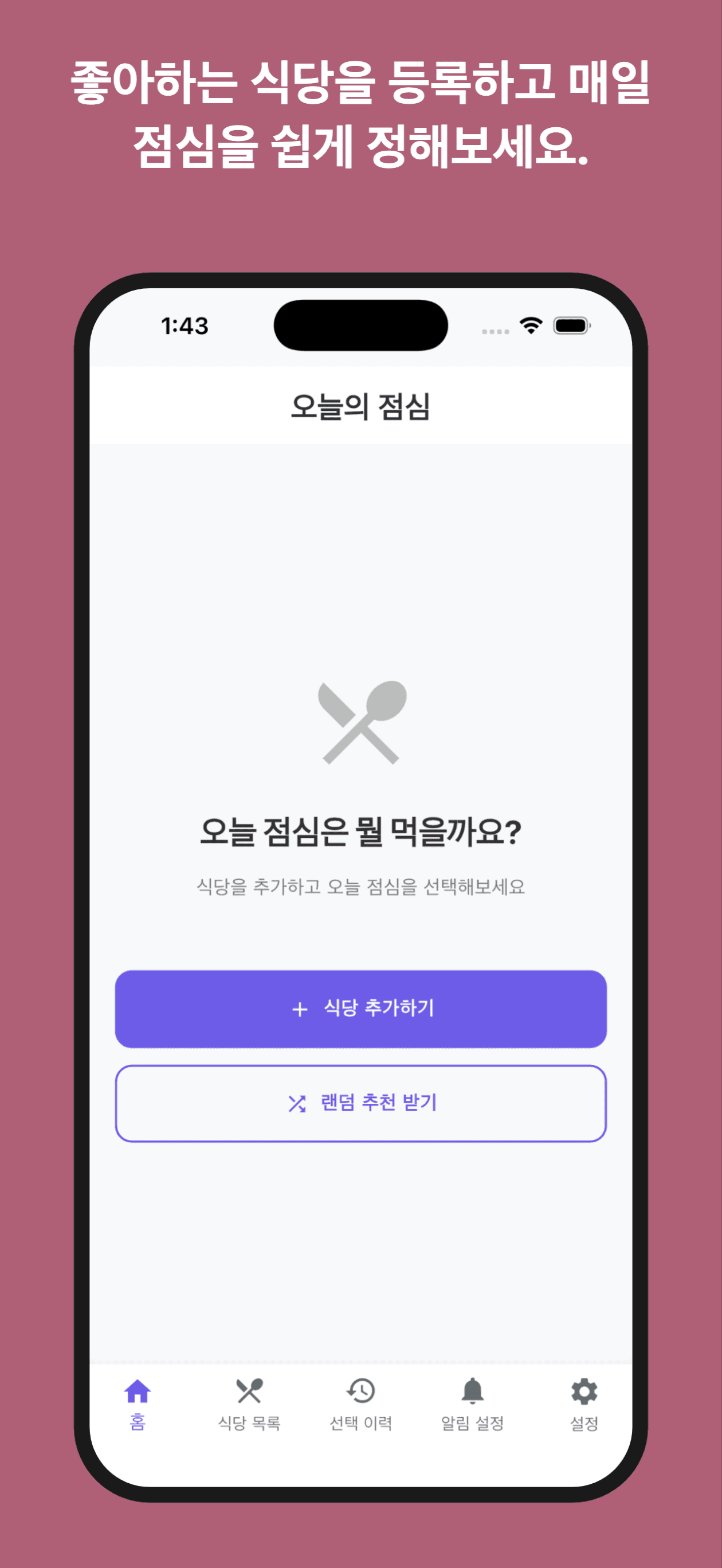
Register and manage your own restaurant list easily.
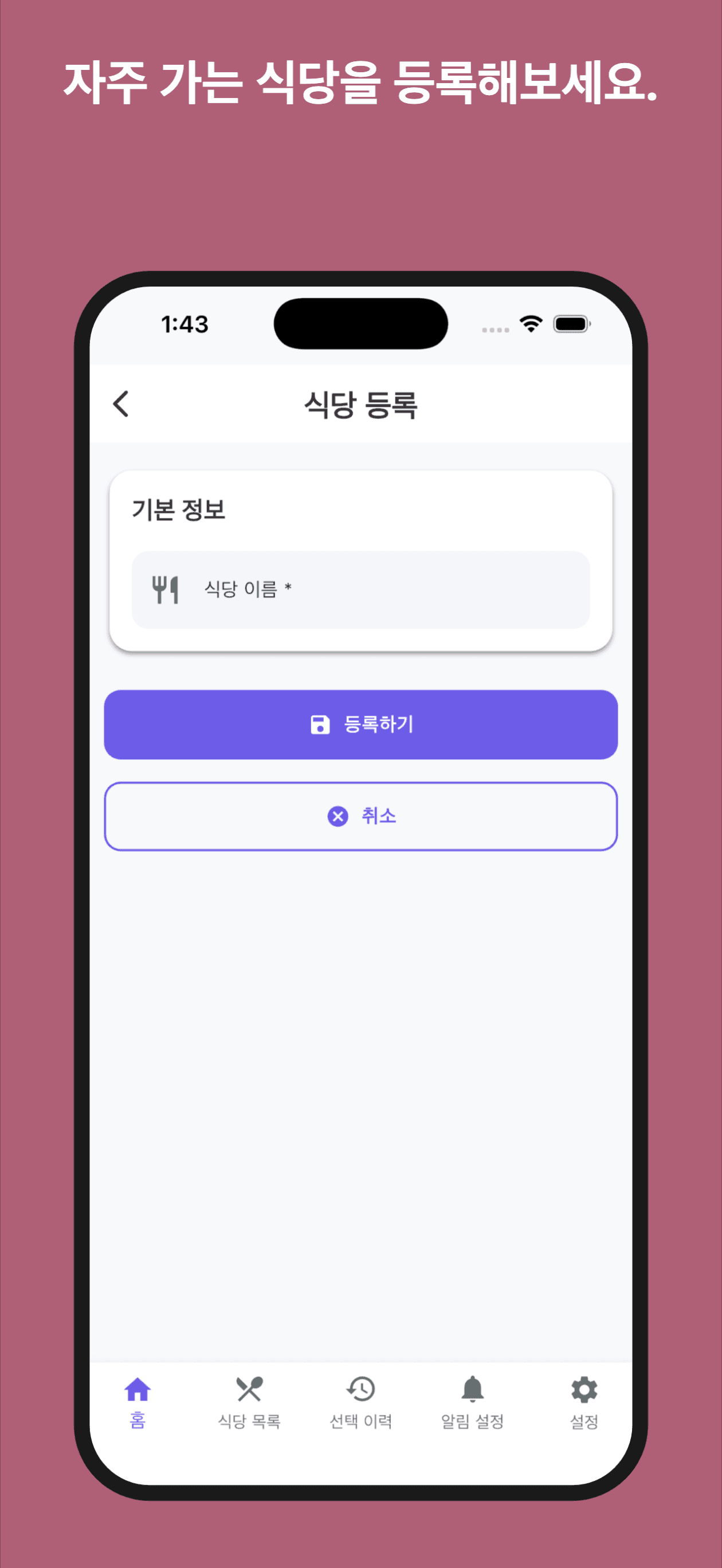
At the set time, a randomly selected restaurant from your list arrives as a notification.
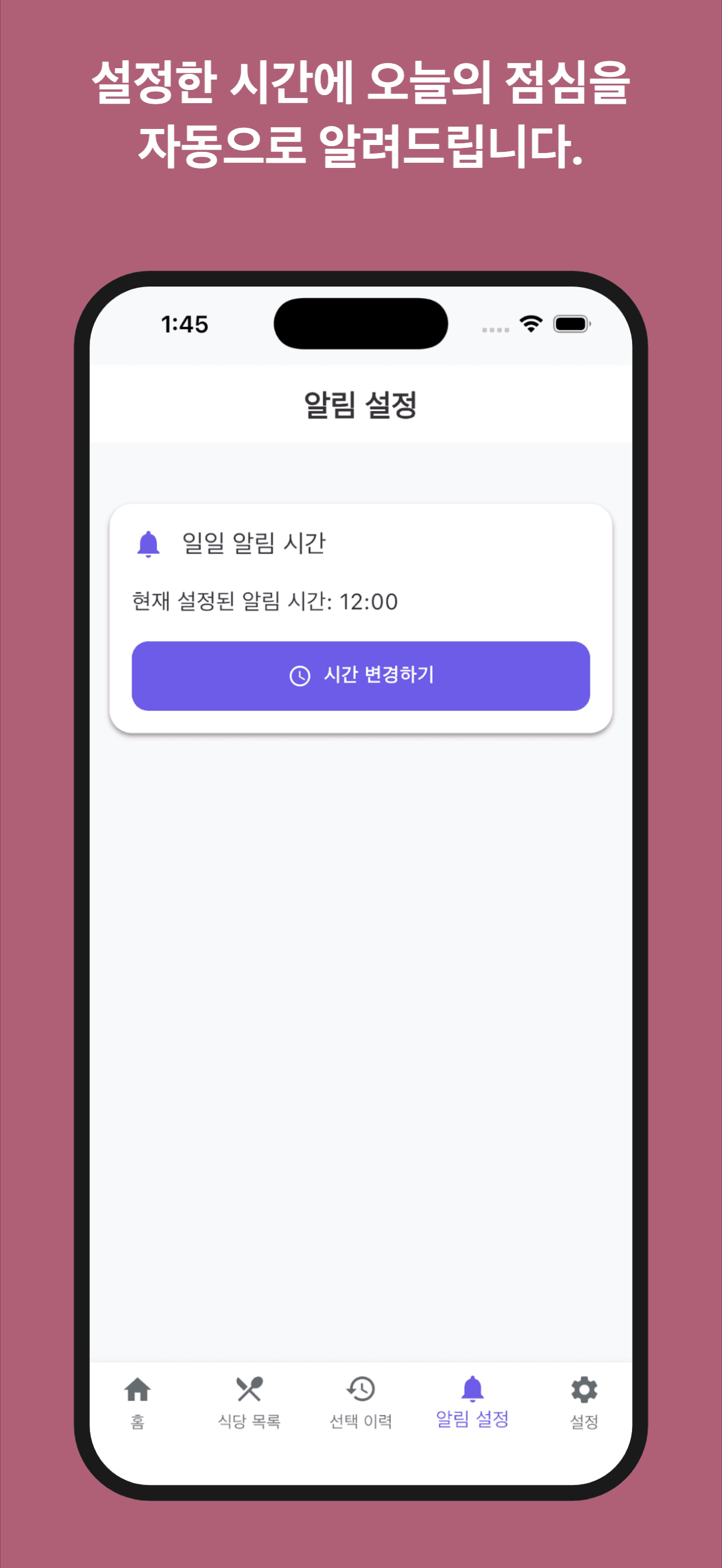
Clean, intuitive design that anyone can use easily.
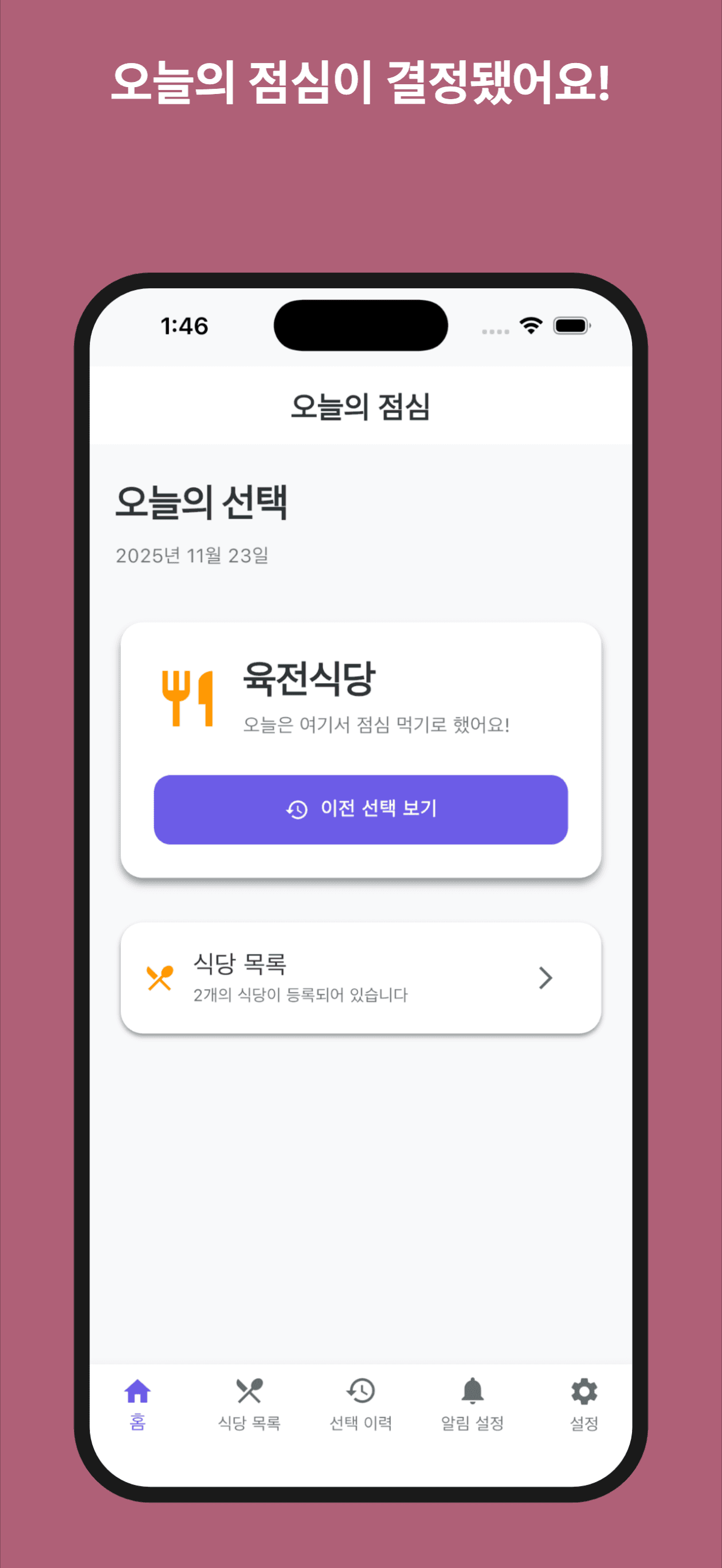
Explore the various features of the Lunch Picker app.
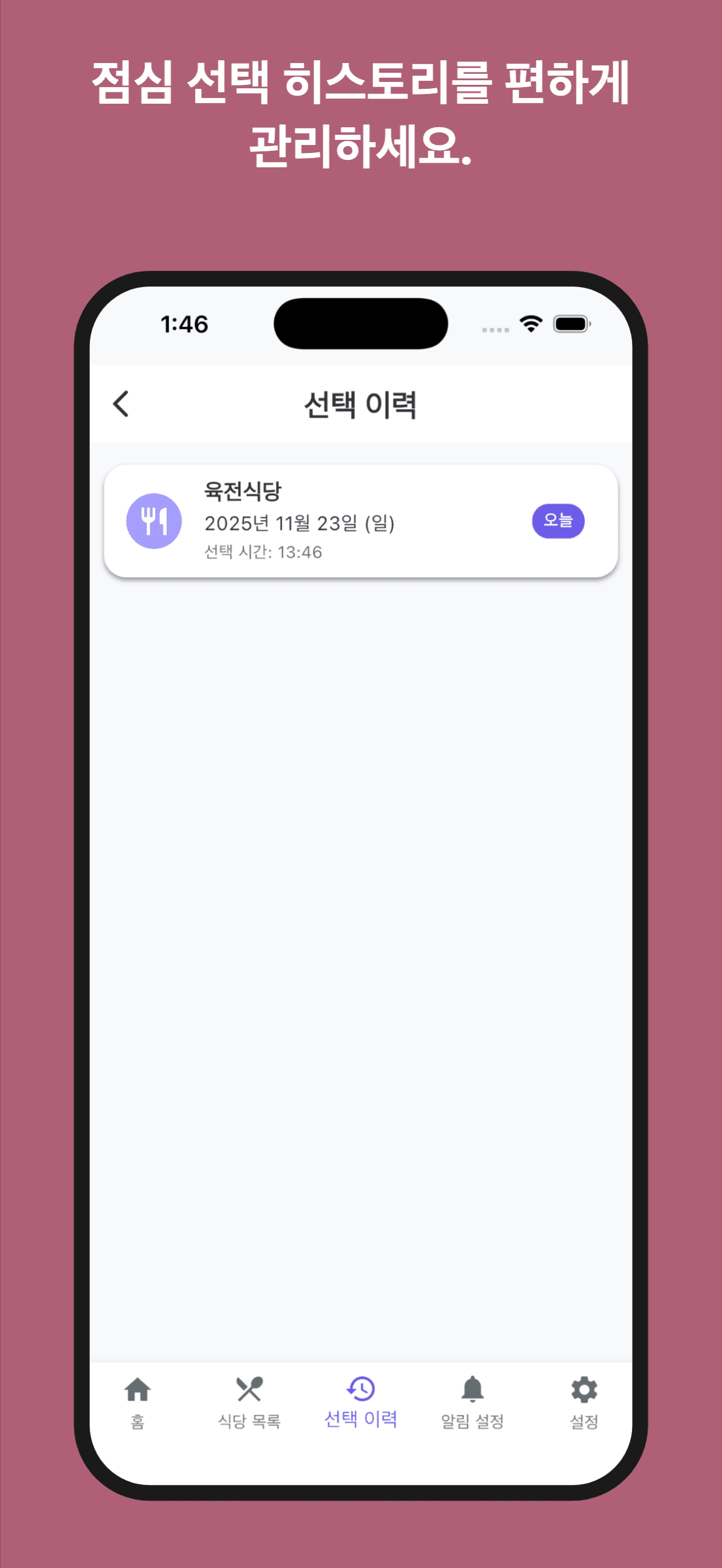
Light descriptions and clean layout for comfortable use.
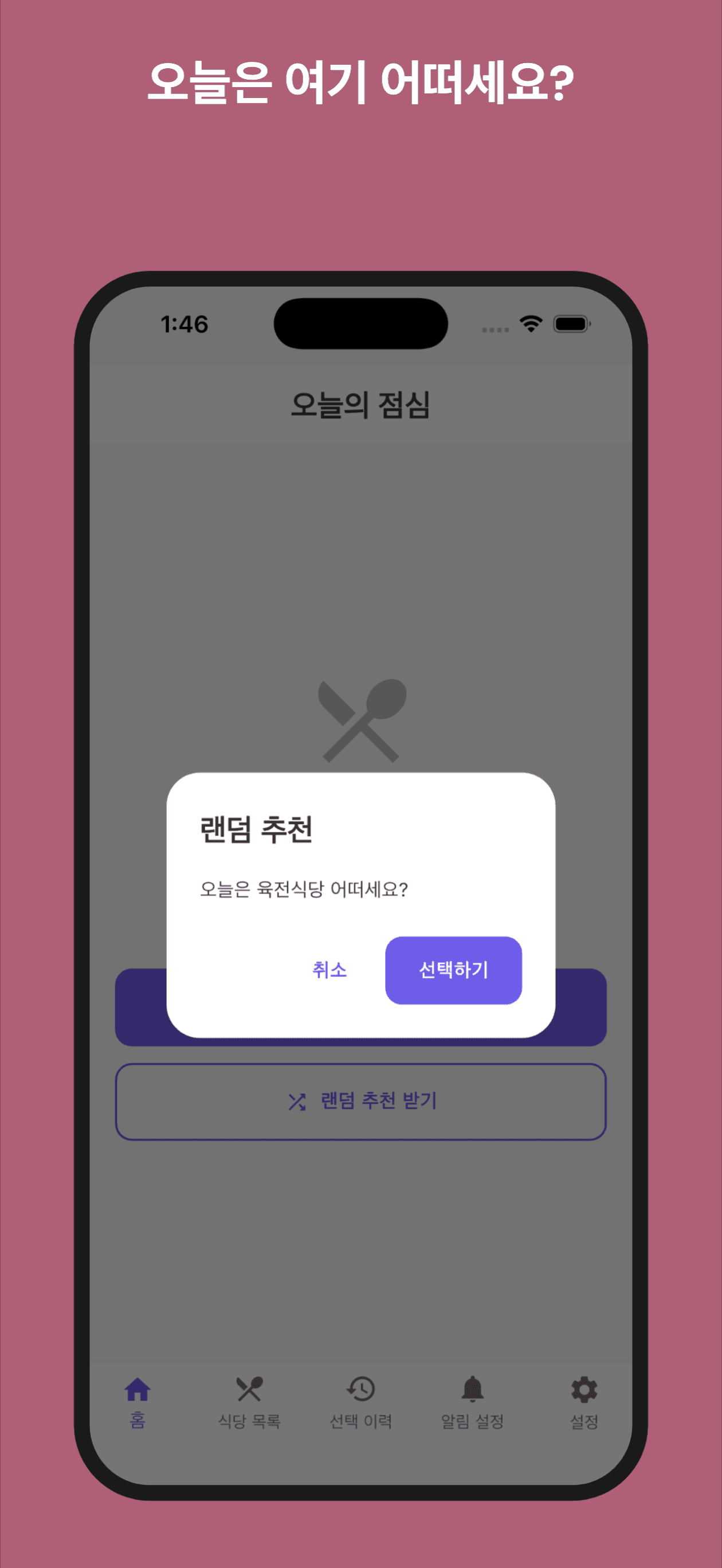
Add and edit your list freely to create your own pattern.
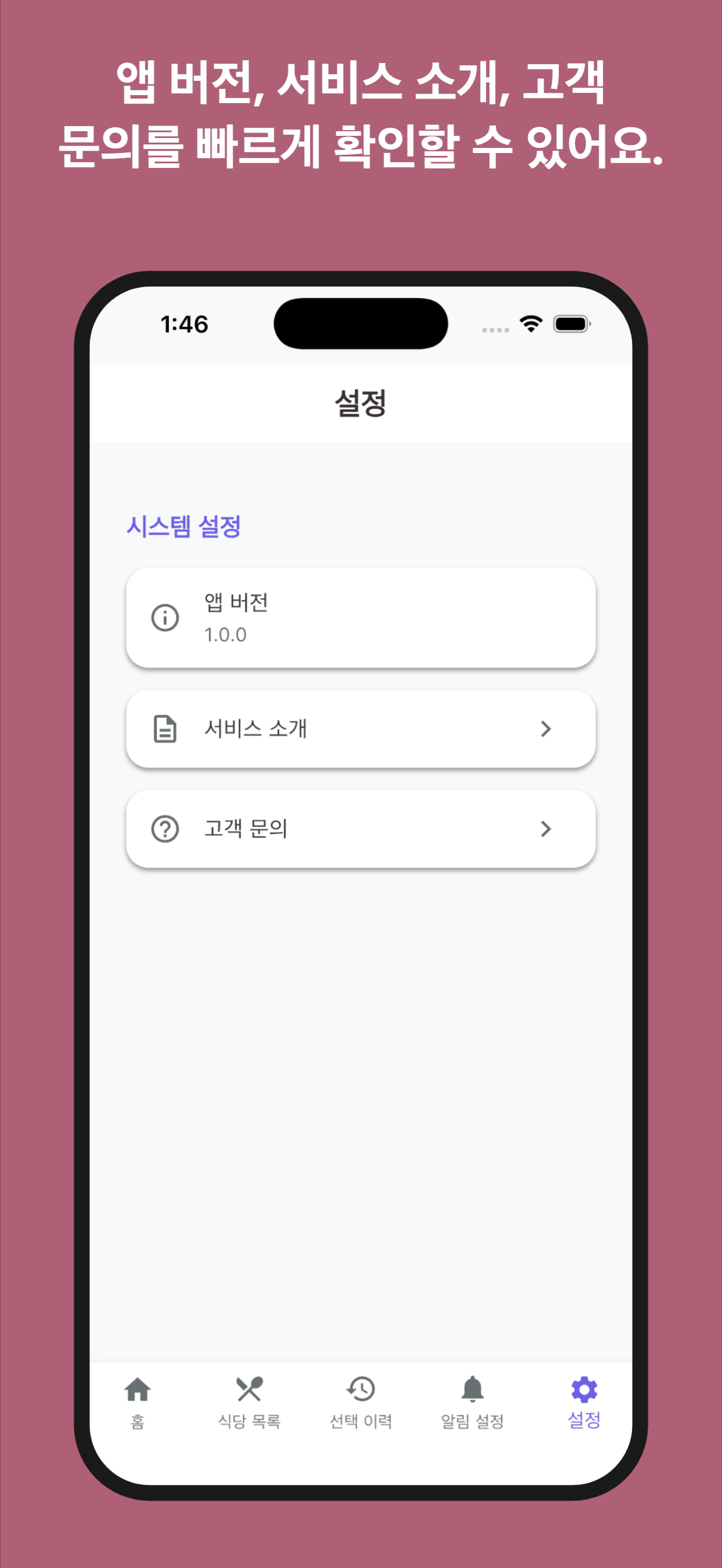
Once a day, a lunch recommendation arrives like a warm notification.
The problem it solves
The problem
Daily lunch menu decisions are tiresome, and small automation was needed to reduce the stress of repetitive choices.
Our approach
Instead of flashy features, it provides reliable help. It handles the small but repetitive decision of what to eat, so you can carry your day's rhythm more clearly. Like a small timer sitting on your desk—silent but fulfilling its role. That's the kind of quiet app we aim for.
Key features
Save Your Own Restaurants
Build your own list, and the app picks "just one" from it every day. With a simple registration like filling a checklist, anyone can start right away.
Scheduled Auto-Recommendation Alerts
Every day at the same time—or whenever you set—the app randomly picks a restaurant and sends a push notification. A gentle "menu suggestion" that slips into your lunch hour.
Easily Editable Lists Anytime
Some days you want variety, other days you want the same spot. Add and edit your list freely to create your own pattern.
Clean, Intuitive Design
Light descriptions and clean layout designed so anyone can feel comfortable from the very first use.
How to use it
- 1
Create Your Restaurant List
Register your favorite restaurants as simply as filling a checklist.
- 2
Set Notification Time
Choose when to receive notifications—same time every day or any time you want.
- 3
Check the Recommendation via Notification
At the set time, one of your saved restaurants is randomly selected and delivered as a notification.
Meet Lunch Picker
Perfect for People Who
- Find daily lunch menu decisions tiresome
- Want to manage their favorite restaurant list neatly
- Want to reduce the stress of repetitive choices
- Want a small automation in their work, school, or daily routine
The Experience
This app provides reliable help instead of flashy features. It handles the small but repetitive decision of what to eat, so you can carry your day's rhythm more clearly.
Like a small timer sitting on your desk. Silent, but fulfilling its role. That's the kind of quiet app we aim for.
How people use it
“My daily lunch dilemma is gone. Since one of my saved restaurants comes as a notification, choosing became easy.”
“It's convenient to save only my favorite restaurants and get one recommendation daily. The list management is simple too.”
Frequently asked questions
Do push notifications come too frequently?
Only one notification per day. You can set when to receive it.
How many restaurants can I save?
Unlimited. You can add, delete, and edit anytime.
Can I change the notification time?
Yes, you can change it anytime in settings. You can even set different times for different days.